![OmniByte - PNG Black Logo Oct 2021 (1).png]](https://help.omnibyte.com/hs-fs/hubfs/OmniByte%20-%20PNG%20Black%20Logo%20Oct%202021%20(1).png?height=50&name=OmniByte%20-%20PNG%20Black%20Logo%20Oct%202021%20(1).png)
You can choose your preferred language for the Admin site using the Language option in the User menu.
- From the User menu (located in the upper-left corner in the Admin site), select Language.
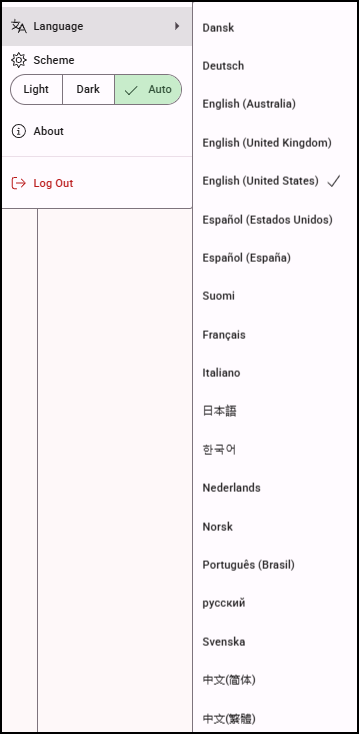
- Select your preferred language. The Admin site currently supports: Chinese (Simplified and Traditional), Danish, Dutch, English (AU, UK, US), Finnish, French, German, Italian, Japanese, Korean, Norwegian, Portuguese (Brazil), Russian, Spanish (Spain and US), and Swedish.
AI-generated translations may need review. If you notice any issues or suggested improvements, please contact support@omnibyte.com.