![OmniByte - PNG Black Logo Oct 2021 (1).png]](https://help.omnibyte.com/hs-fs/hubfs/OmniByte%20-%20PNG%20Black%20Logo%20Oct%202021%20(1).png?height=50&name=OmniByte%20-%20PNG%20Black%20Logo%20Oct%202021%20(1).png)
Forms are created and managed through the administrator site, which serves as a centralized workspace for designing, organizing, and configuring all form components. At the top of each form is the form header area, where you define the form’s identity. Here, you can upload a logo, enter a clear and recognizable form name, and add a brief description to explain the form’s purpose to users. This information helps ensure the form is easily identifiable and sets the right context before users begin completing it.
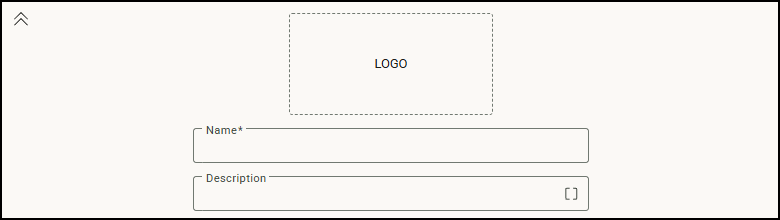
Click  (Collapse Header) or
  (Expand Header) to show or hide the form header area. Collapsing the header is useful when designing a form and you want more space to view or edit the main body. Expanding the header restores the header details.