![OmniByte - PNG Black Logo Oct 2021 (1).png]](https://help.omnibyte.com/hs-fs/hubfs/OmniByte%20-%20PNG%20Black%20Logo%20Oct%202021%20(1).png?height=50&name=OmniByte%20-%20PNG%20Black%20Logo%20Oct%202021%20(1).png)
Reports can be translated to a specific language so that users in different regions can view content in their preferred language. This helps ensure clarity, consistency, and usability across language-specific audiences.
DevExpress for localization is used for localization support on reports.
-
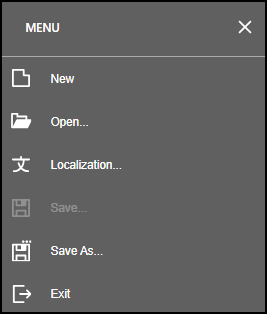
In the Report Designer, select Localization from the menu.
- From the Localization menu, use the Language drop-down list to choose the language you want to translate the report into. All languages supported by DevExpress are available in this list; however, FormsPro supports only the languages shown in bold text for easy identification.
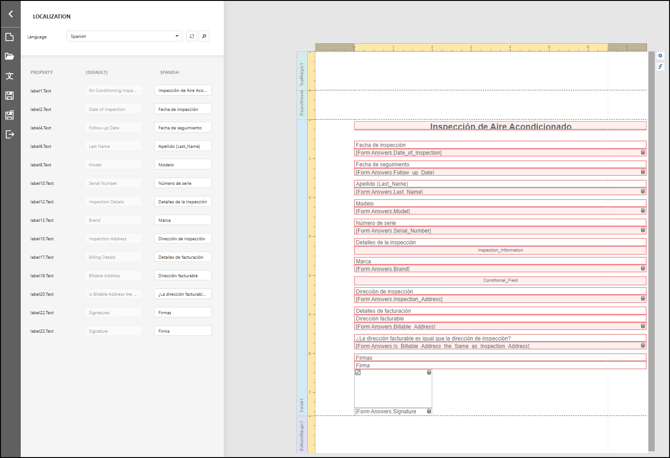
- After selecting a language, update the report fields to match the selected language. This may include translating labels, adjusting field values, and refining the layout to ensure the report displays correctly. Fields cannot be deleted from a localized report. Refer to additional knowledge articles for guidance on formatting and layout best practices.
- Click Save and then Exit to return to the Form Designer.
- Repeat this process for each language you want the report to support.