![OmniByte - PNG Black Logo Oct 2021 (1).png]](https://help.omnibyte.com/hs-fs/hubfs/OmniByte%20-%20PNG%20Black%20Logo%20Oct%202021%20(1).png?height=50&name=OmniByte%20-%20PNG%20Black%20Logo%20Oct%202021%20(1).png)
Complete the following to install IIS:
- If you selected IIS, a message appears instructing you that changes are being made to the computer. Click Yes. The IIS Website window opens.
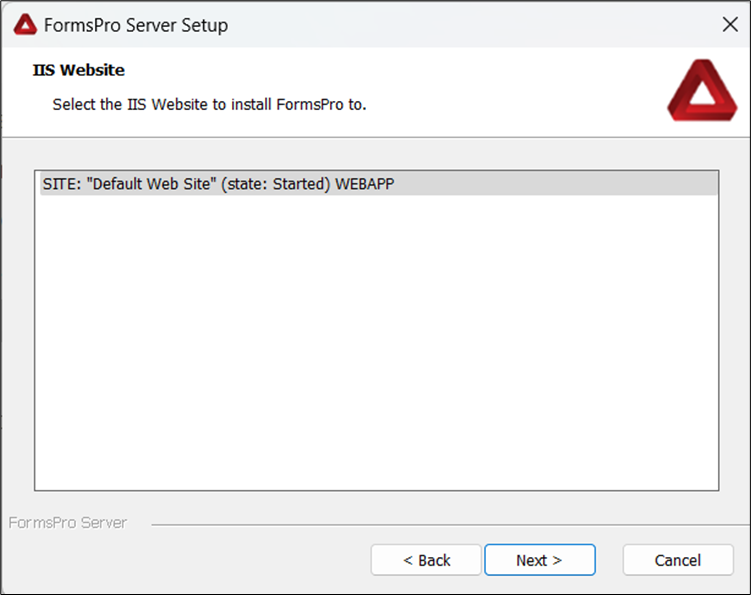
- Select the IIS website to which you want to install FormsPro, then click Next. The IIS Application Setup window opens.
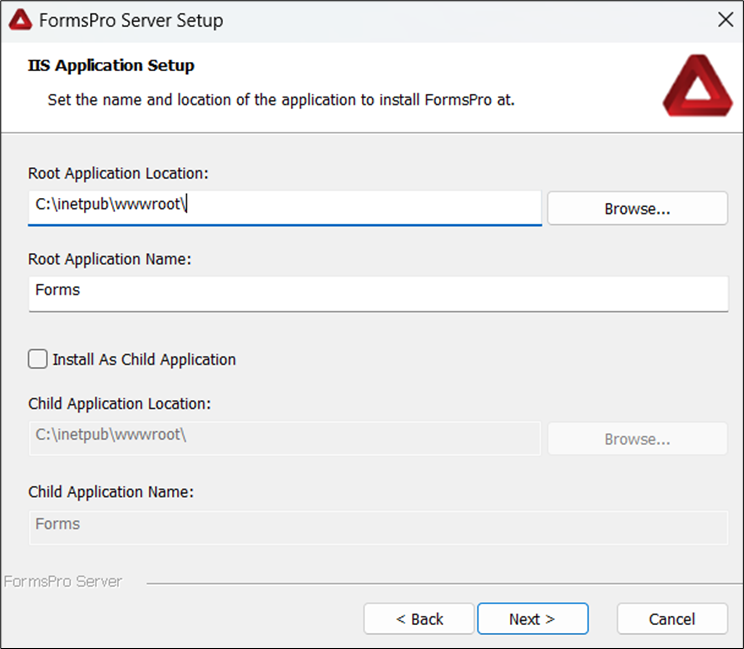
- Enter the location and name of the application at which to install FormsPro, then click Next. The SQL Database Configuration window opens.
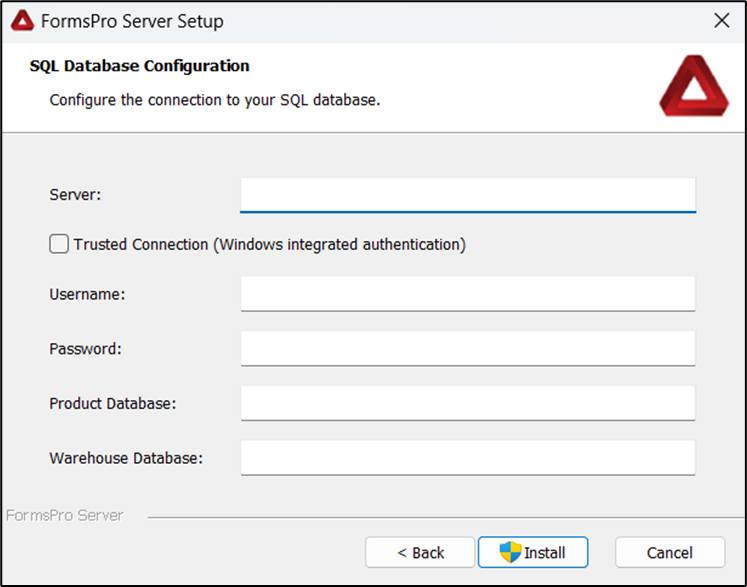
- Enter your credentials, then click Install.
- The Installing FormsPro Server window opens.
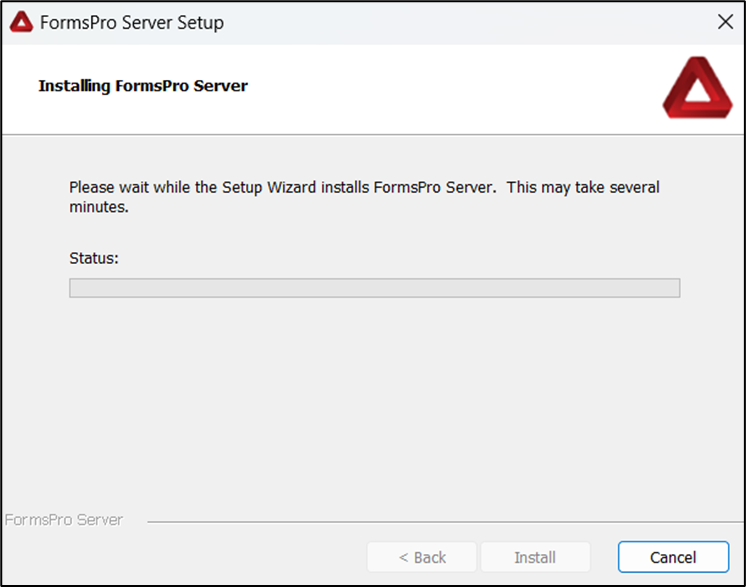
- A message appears instructing you that changes are being made to the computer. Click Yes. The Installing FormsPro Server progress window opens.
- When FormsPro is done installing the Completing the FormsPro Server Setup Wizard window opens.
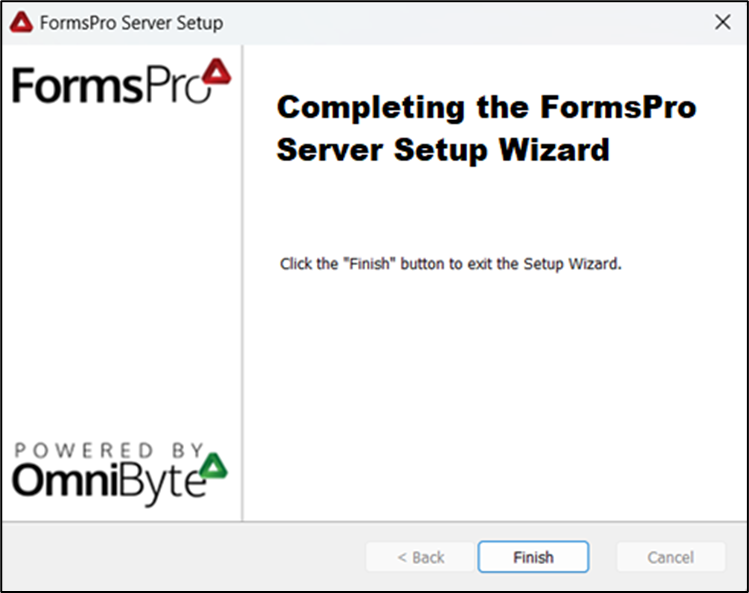
- Click Finish.
- To return to the FormsPro installation instructions, click here.