![OmniByte - PNG Black Logo Oct 2021 (1).png]](https://help.omnibyte.com/hs-fs/hubfs/OmniByte%20-%20PNG%20Black%20Logo%20Oct%202021%20(1).png?height=50&name=OmniByte%20-%20PNG%20Black%20Logo%20Oct%202021%20(1).png)
You can use an existing section as a template if you have similar sections with slightly different requirements. For example, you have an employee information section that contains personal information about employees such as name, birthdate and address. You also need a section that contains this information but also work-related information such job title, salary and benefits. By copying the employee information section, you can use it as a template for the new section.
- From the Reusable Components menu, select Sections to open the Sections page.
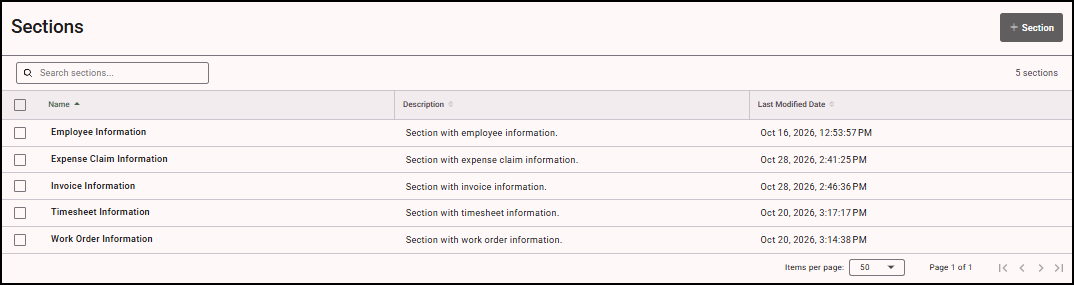
- Click the section you want to copy. The Edit Section tray opens.
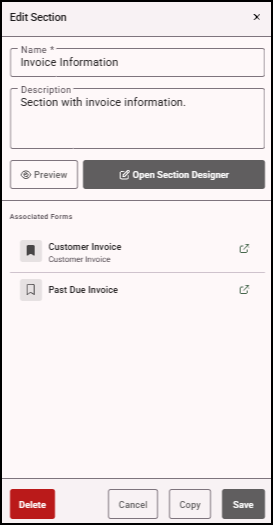
- Click Copy. The section is copied and appears in the Sections page with "_Copy" after its name.