![OmniByte - PNG Black Logo Oct 2021 (1).png]](https://help.omnibyte.com/hs-fs/hubfs/OmniByte%20-%20PNG%20Black%20Logo%20Oct%202021%20(1).png?height=50&name=OmniByte%20-%20PNG%20Black%20Logo%20Oct%202021%20(1).png)
Before a form is displayed on a technician’s device, roles must be assigned to the form. Be sure you’ve set up all the roles needed for a form before you begin.
- From the Forms page, create a new form, or open the form for which you want to assign a role.
- Click Assigned Roles in the Add Form or Edit Form tray.
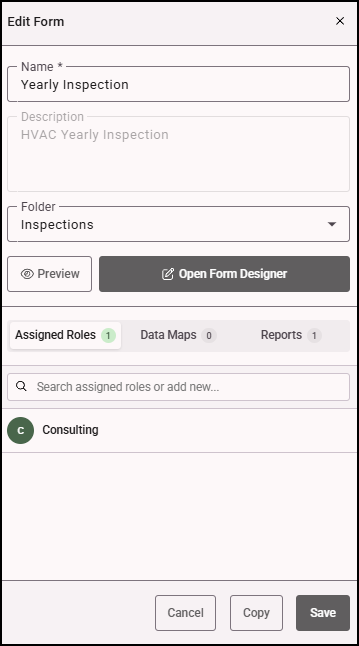
- In the Search field, search for the role(s) you want to assign to the form.
- Click + next to each role you want to assign.
- Click Save.